
Deliver geospatial forecasting models direct to decision makers
Bundle up your map-based simulation code & data in a way that others can actually use
Automatically structure your data.
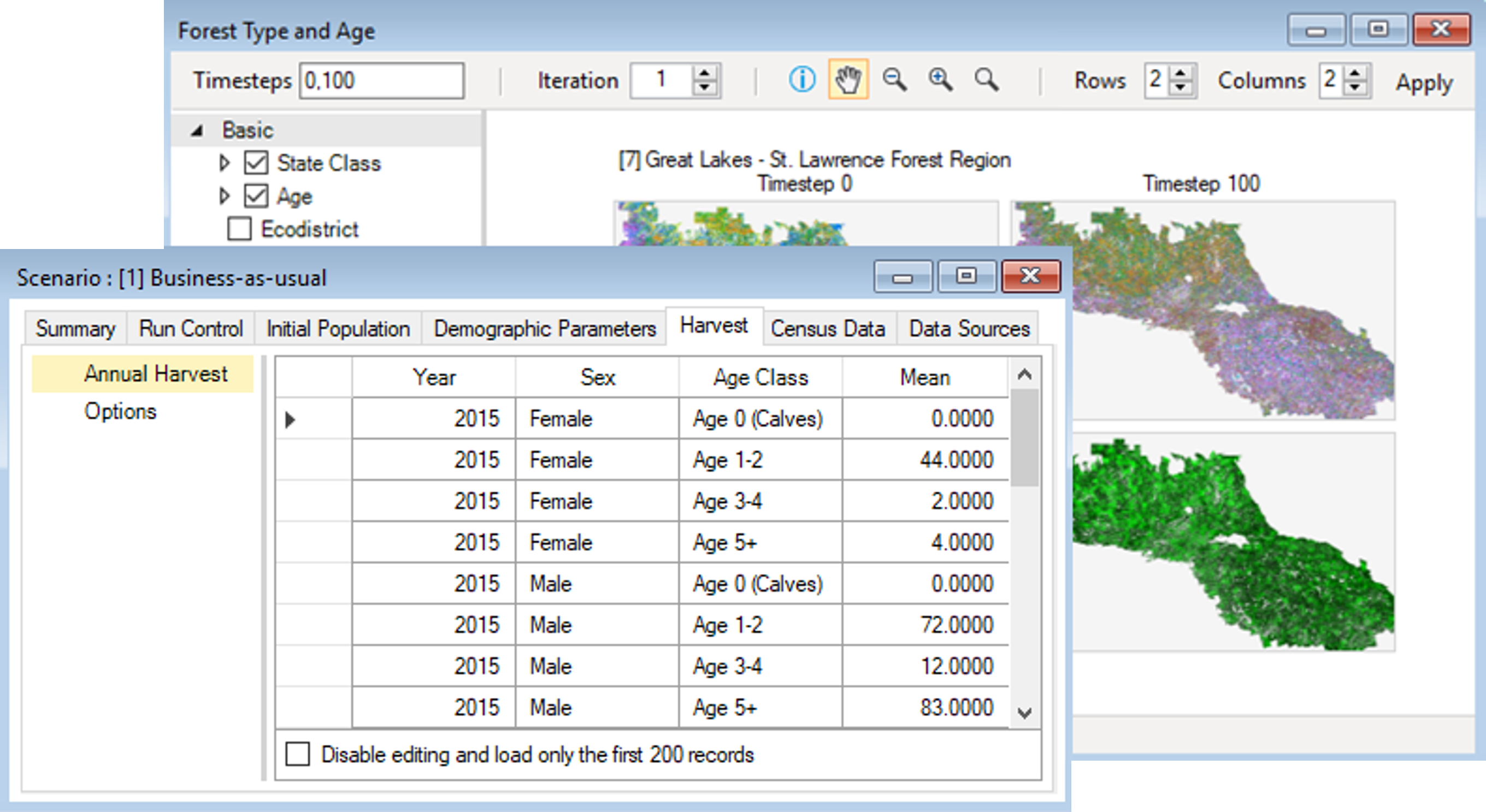
SyncroSim ties together all of the datasets that feed into and out of your predictive models, including both spatial and tabular data in formats such as GeoTIFF, Excel and CSV. No database is required – SyncroSim automatically structures the data and tracks changes over time.

Pass your data through predictive models.
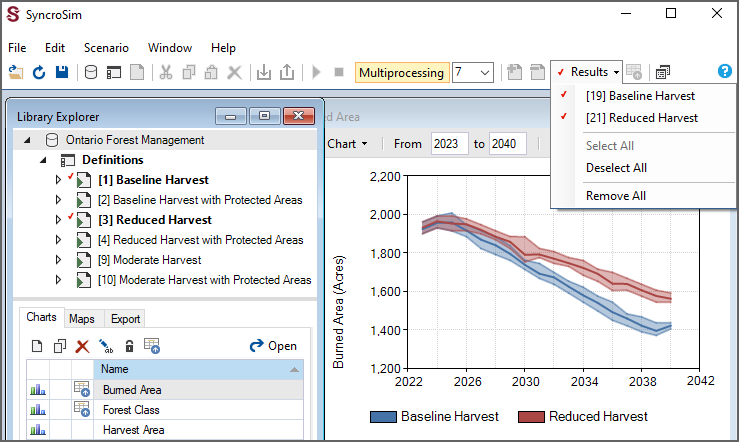
SyncroSim allows you to create reusable forecasting workflows by chaining together any number of predictive models and datasets. Models can include both existing "off-the-shelf" executables and scripts written in languages such as R, Python and C#.
Engage decision makers.
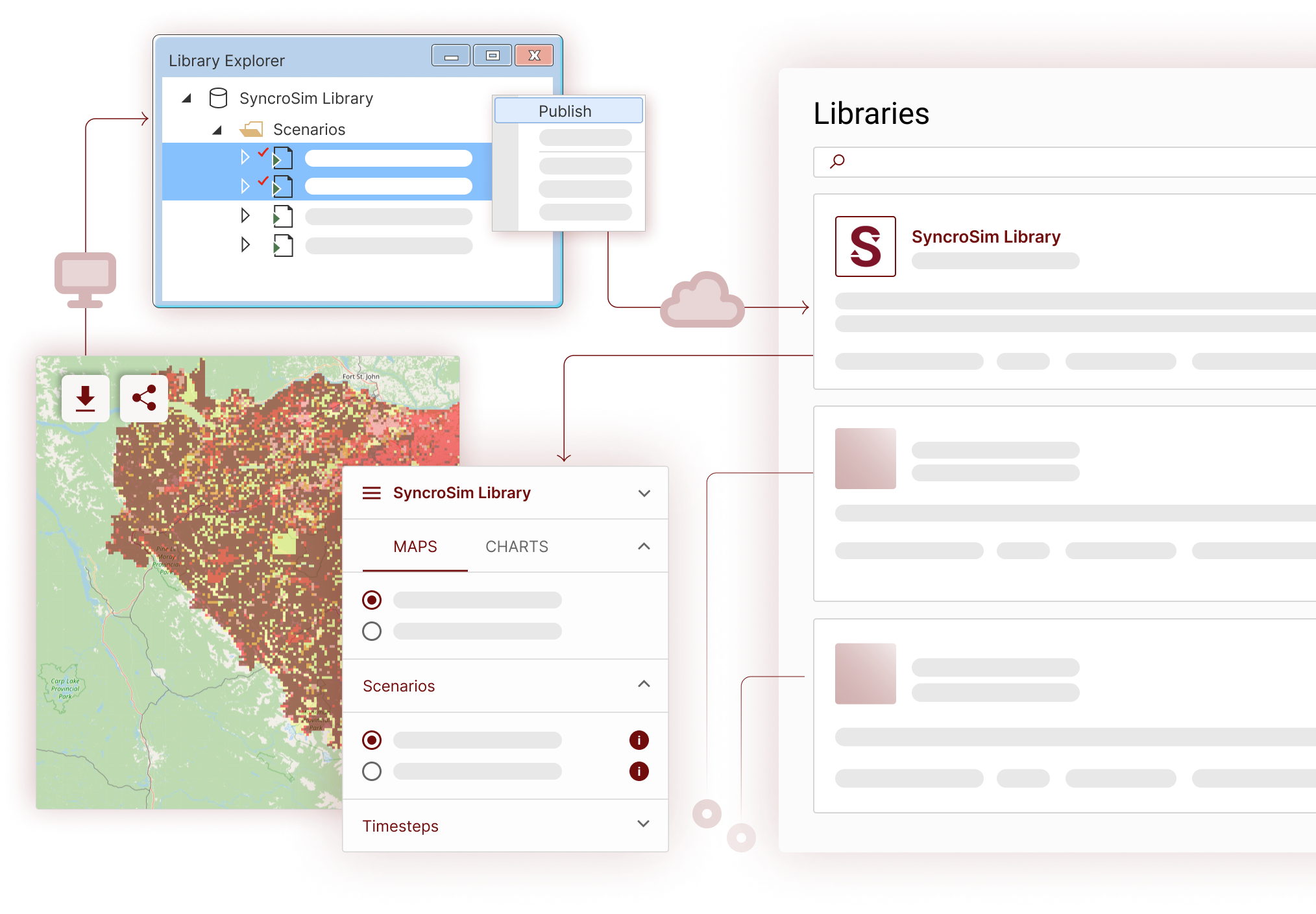
No longer are your forecasts delivered to others as outdated static reports. Through its unique, easy-to-use web and Windows interfaces, SyncroSim automatically serves up your latest forecasting data and models directly to non-technical users in real-time, allowing them to define and run their own forecasting workflows on the fly.
Go big!
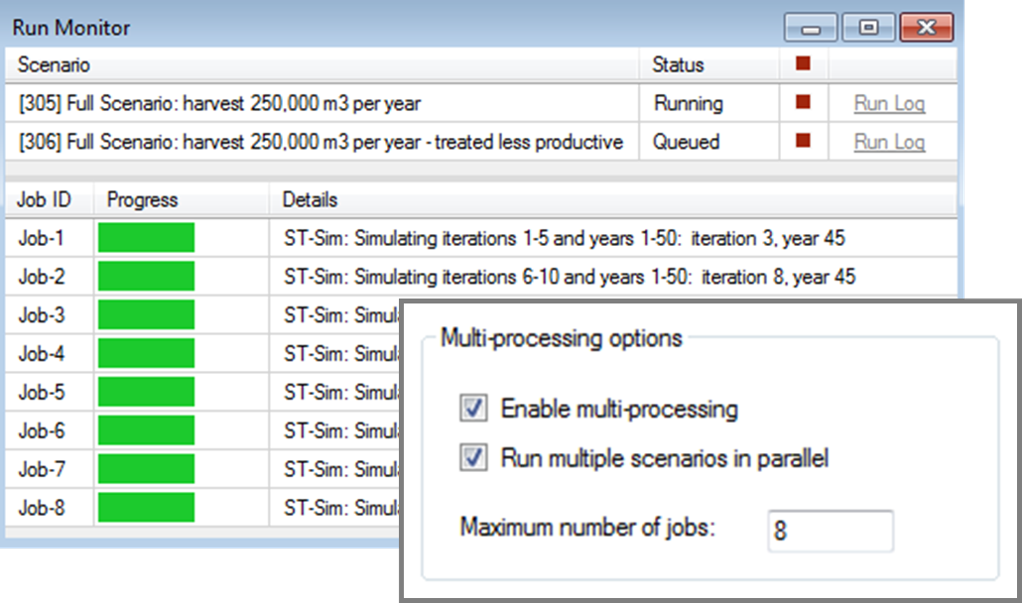
SyncroSim is specifically designed to handle big spatial data, including support for large rasters, cloud computing, and multiprocessing.
Trusted by leading natural resource management agencies